
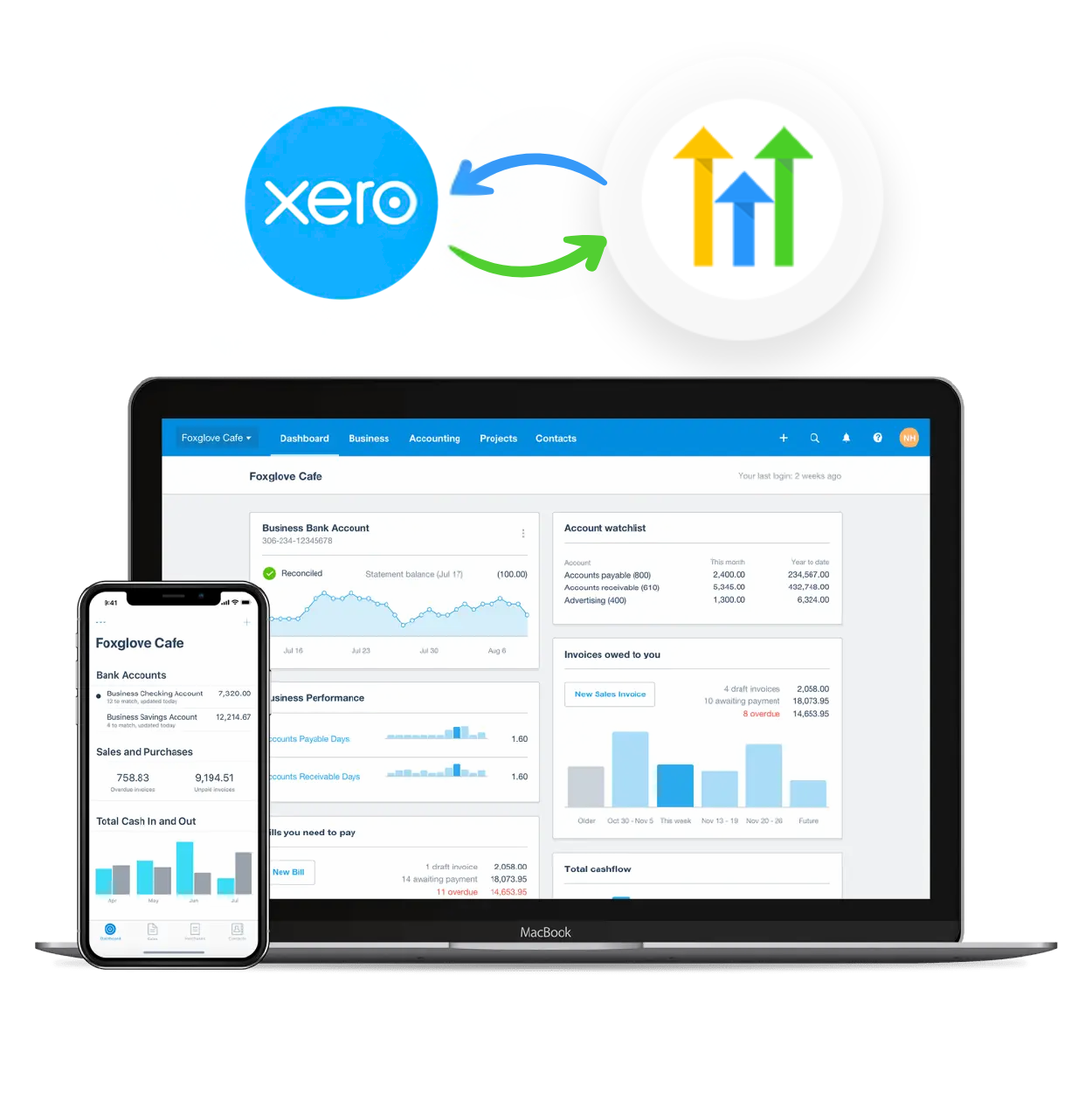




Connect GoHighLevel Lead Connector and Xero integrations

Explore Xero’s range of features, designed to streamline your accounting needs.
GHLVA

Our Services

GHLVA

Accept payments

Accept payments via credit card, debit card, or direct debit. Boost on-time payments and save time chasing payments.

GHLVA

Reporting

Track your finances with accurate accounting reports. And collaborate with your advisor online in real time.

GHLVA

Capture data

Use Xero for online file storage. Manage and share documents, contracts, bills and receipts safely from anywhere.

GHLVA

Analytics

See future cash flow, check financial health and track metrics. Upgrade from Xero Analytics to Analytics Plus for more.

GHLVA

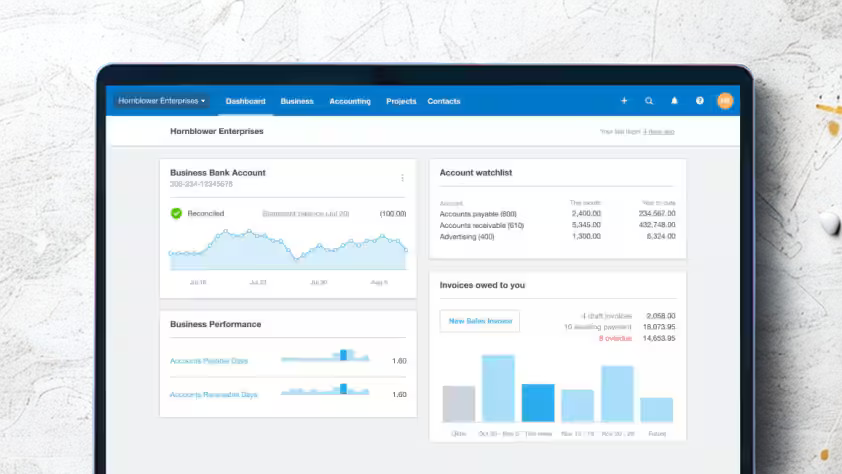
Accounting dashboard

Efficiently manage invoices with Xero’s intuitive software. Send invoices, automate reminders, and more from any device.

GHLVA

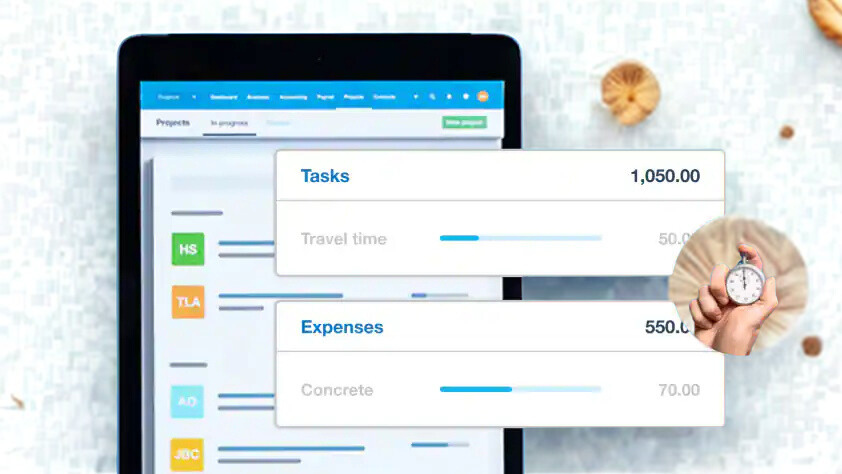
Track projects

Use Xero’s job tracking tools for project planning, budgeting, quoting and invoicing. Record time and track costs.

How to connect HighLevel and Xero

GHLVA

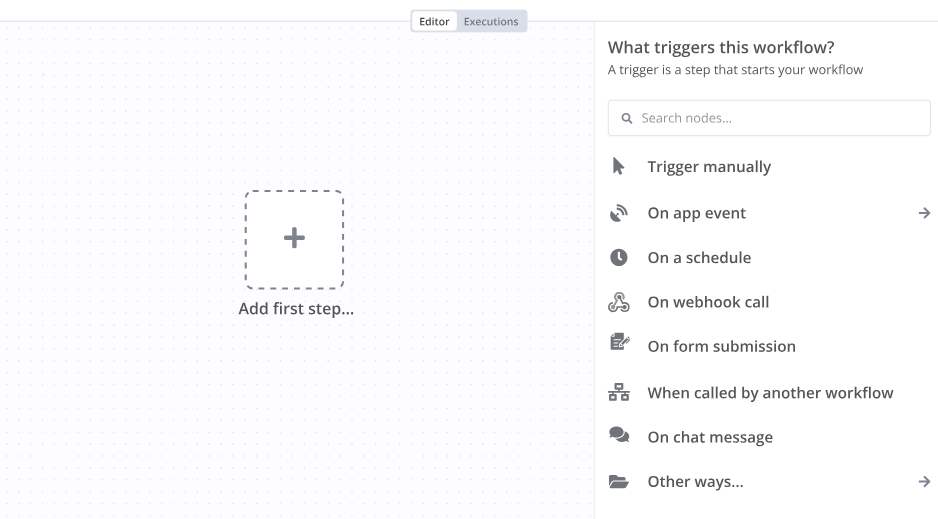
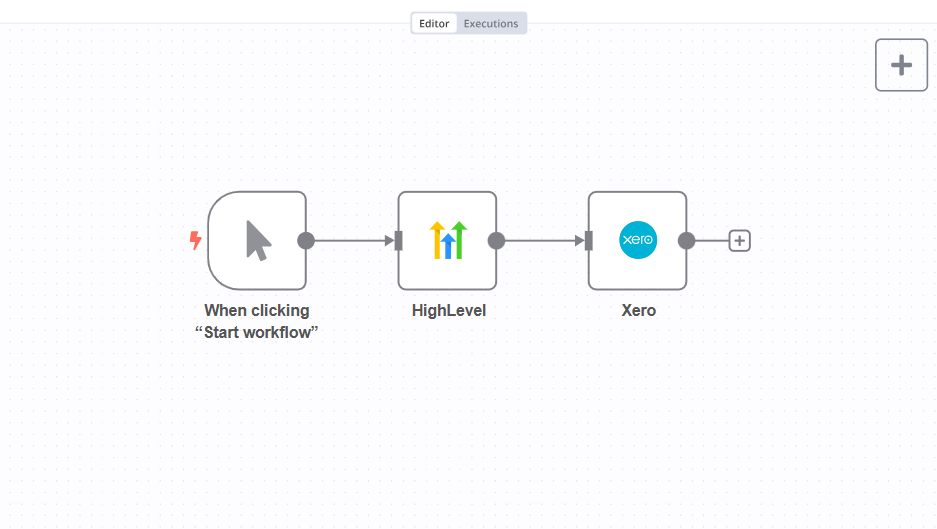
Step 1: Create a new workflow

Follow the steps below to start setting up your Xero integrations using Appy Pie Automate:

GHLVA

Step 2: Select Action

After completing the trigger test, select GoHighLevel as the action app from the list.

GHLVA

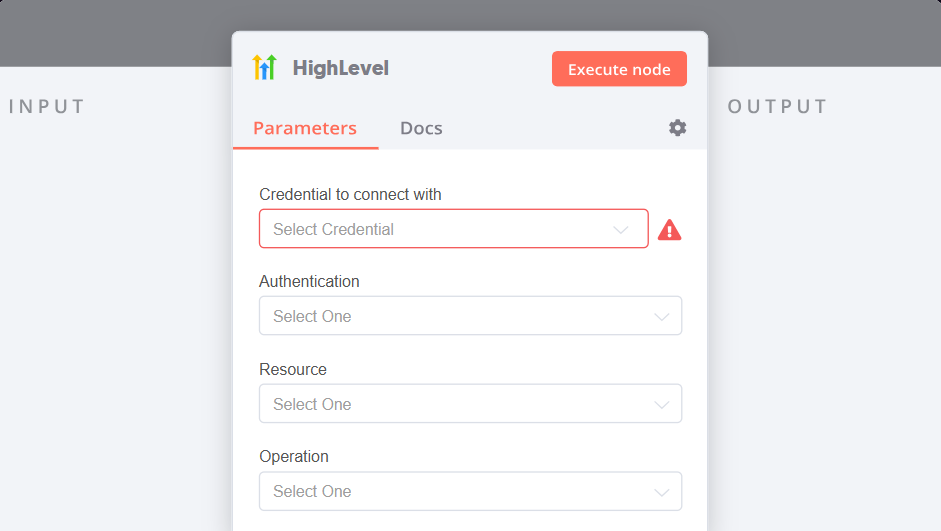
Step 3: Authenticate

Connect your GoHighLevel account & authenticate it.

GHLVA

Step 4: Setup & Test

Select the data you want to send from Xero to GoHighLevel & your AI Agent is ready!

GHLVA

Automate your work. Build something new.

Just drag and drop apps to automate existing workflows or build new complex processes. Solve problems across all areas and teams.

FAQs on Xero GoHighLevel Integrations

Xero is a cloud-based accounting software platform for businesses from all sizes. It connects businesses with their bank, accounting tools, their accountant, payment services and third-party apps, so everything is securely available at any time, on any device.

HighLevel is a Full Suite Platform for Agencies. Included in the Platform is a full featured Page Builder to capture leads.

The integration between Xero and GoHighLevel is a seamless process that allows for efficient data sharing and collaboration between the two applications. Here’s a step-by-step guide on how this integration works:

  • Connection Establishment: The first step is establishing a secure connection between Xero and GoHighLevel. This is typically done through an API (Application Programming Interface) integration, where both apps communicate and exchange data.
  • Data Mapping: By aligning corresponding data elements, this process guarantees meaningful and contextually correct data sharing in real-time.
  • Authentication and Authorization: This step ensures that only authorized entities can interact with data, preventing unauthorized access and potential breaches.
  • Data Synchronization: With the connection, mapping, and authentication in place, data is synchronized between the apps.
  • Real-time Updates: This feature provides users with the most recent information, enabling them to make informed decisions based on live data.
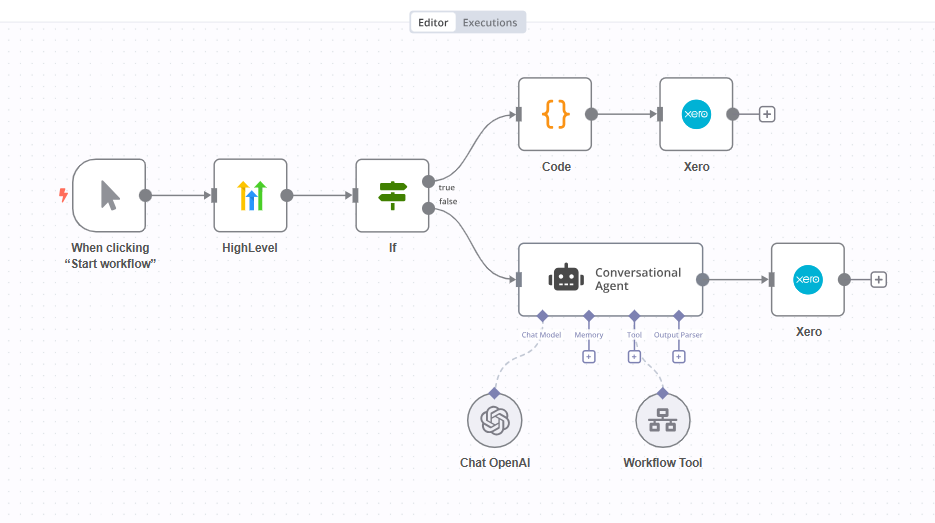
  • Customization and Automation: Tailor the integration to specific business needs. Automate processes, trigger actions and set up notifications to enhance efficiency and streamline workflows.

While assessing the security of integrating Xero with GoHighLevel, one must ensure the encryption protocols are strong when transmitting data between both apps. Appy Pie is compliant with various data protection regulations like GDPR and CCPA. It also offers two-factor authentication and encryption. Here’s a concise guide to assessing the security of the Xero-GoHighLevel integration:

  • Data Encryption: This will ensure that any information shared remains secure and inaccessible to unauthorized parties.
  • Authentication and Authorization: It is crucial to ensure that the integration process has strong two-factor authentication mechanisms.
  • Access Control: This will prevent unauthorized users from gaining access to sensitive information or performing actions they are not permitted to do.
  • Data Storage Security: This ensures that the databases or storage systems used by Xero and GoHighLevel integration have adequate security measures.
  • User Education and Awareness: Appy Pie ensures that the businesses using the integrated apps are trained to recognize potential security threats.
Scroll to Top

SCHEDULE AN APPOINTMENT WITH GO HIGH LEVEL EXPERT​

Discuss your Go High Level requirements. Funnels, Workflows, Automation, Integration Design, Development & Support